To run ViewX:
- Either:
- Select ViewX from the Windows’ Start menu group.
Or:
- Select the ViewX desktop shortcut

(If you do not have access to a ViewX desktop shortcut icon, please contact a higher level user.)
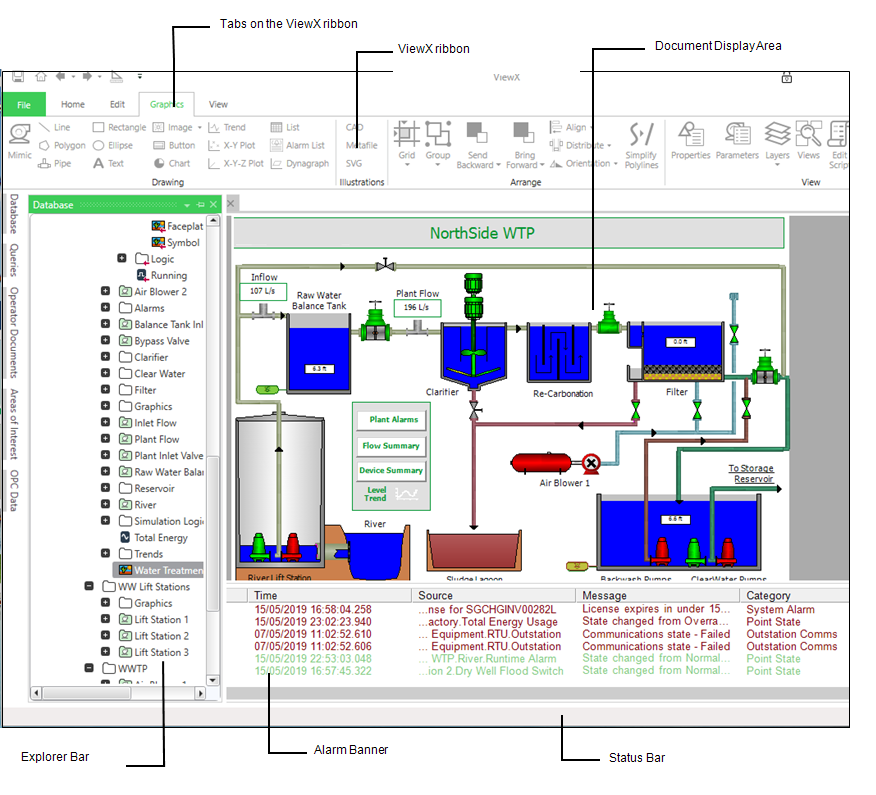
The ViewX Window is displayed.
To access Geo SCADA Expert via ViewX, you typically need to log on to the system (see System Security).